
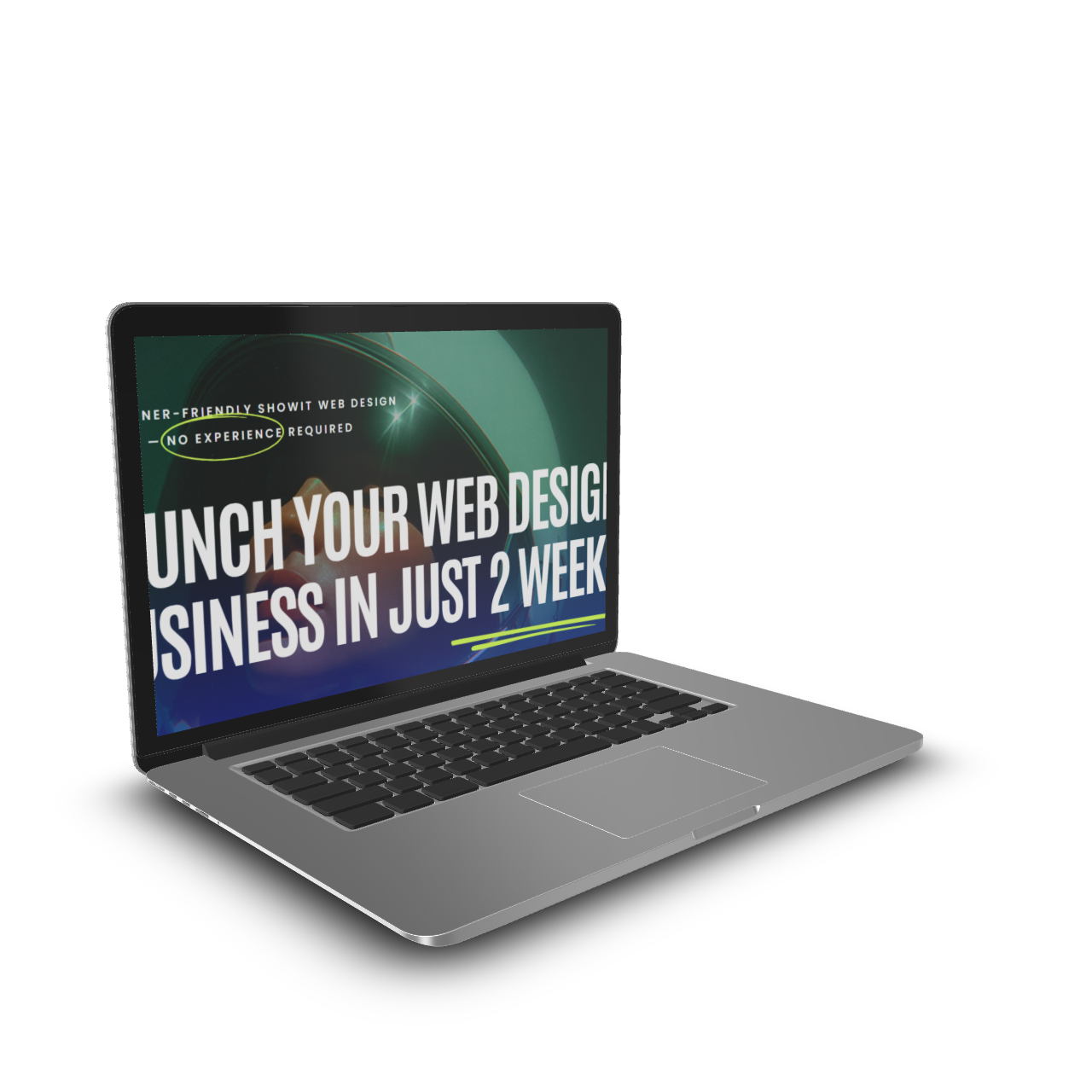
Melissa Lunt – Launch Your Web Design Business in just 2 weeks
Original price was: $1,197.00.$36.00Current price is: $36.00.
| Delivery: | |
| Size: | 1.85 GB |
| Files: | View Files |
| Sale Page: | Link |
| Archive: | Link |
Product is NOT a part of the Membership
Sold separately
Here’s What You Get:
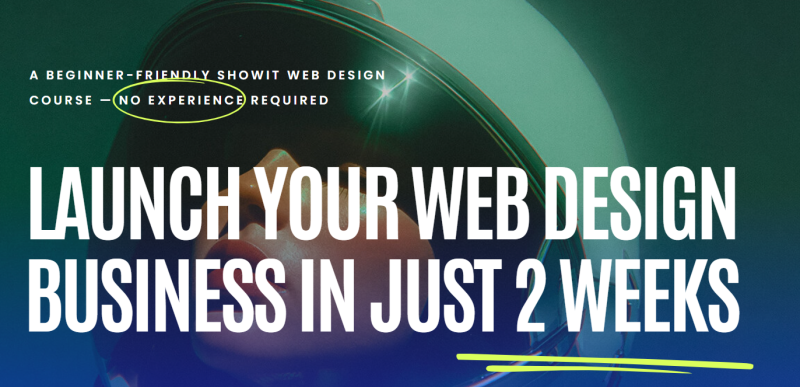
Launch Your Web Design Business in Just 2 Weeks is a beginner friendly Showit web design course that teaches complete beginners how to design websites and start a paid web design business.
Module/day 1
Get clear on your niche, business name, and brand so you are not building a business that feels scattered or confusing. This day helps you set a solid foundation before touching any tech.
Lessons
- Welcome + How to Take this Course
- Research + choose your Niche
- Choose your business name
- Create your logo + brand
Module/day 2
Set up your Showit account, install your website template, and write your website copy. You will start seeing your business take shape instead of staring at a blank screen.
Lessons
- Set up your Showit account
- Install your website template
- Create website copy
- Branding your website template
Module/day 3
Learn the Showit basics and start designing a full client style website concept, including a homepage. By the end of this day, you will understand how real websites are built.
Lessons
- Showit Basics
- Designing a client site Concept + Home Page
- Finalizing a client site + launch
Module/day 4
Take your designs further with animations, effects, blogging, contact forms, galleries, and ecommerce so your websites feel polished and professional.
Lessons
- Contact Forms, Galleries + Ecommerce
- Showit + WordPress Blogging
- Animation + Effects
Module/day 5
Learn how to work with clients from start to finish, including contracts and onboarding, so you feel confident and prepared when someone is ready to hire you.
Lessons
- Contract + onboarding
- Client process from start to finish
Module/day 6
Create mock projects and add them to your website so you can show your work and start booking clients even if you have not worked with anyone yet.
Lessons
- Create mock projects + add to your website
Module/day 7
Set your prices with confidence and learn how to customize templates using Canva so your offers feel clear, professional, and easy to sell.
Lessons
- Customize templates in Canva
- Set your prices with confidence
Module/day 8
Learn how to book your first one to three clients, write a simple pitch paragraph, and use Facebook and group strategies to get in front of people who need your services.
Lessons
- Intro to Facebook + Groups
- Create your “pitch paragraph”
- How to book your first 1–3 clients
Module/day 9
Create your content pillars, optimize your Instagram, and learn how to use Pinterest to drive traffic so people can actually find you and your services.
Lessons
- Using Pinterest to Drive Traffic
- Optimize your instagram
- Create your content pillars
Module/day 10
Finalize and publish your website, share your launch online, and officially step into your new business with clarity and confidence.
Lessons
- Share your launch online + Congrats
- Finalize and publish your website
Related products

Affiliate Marketing
Email Marketing
Product For Sale
Product For Sale