


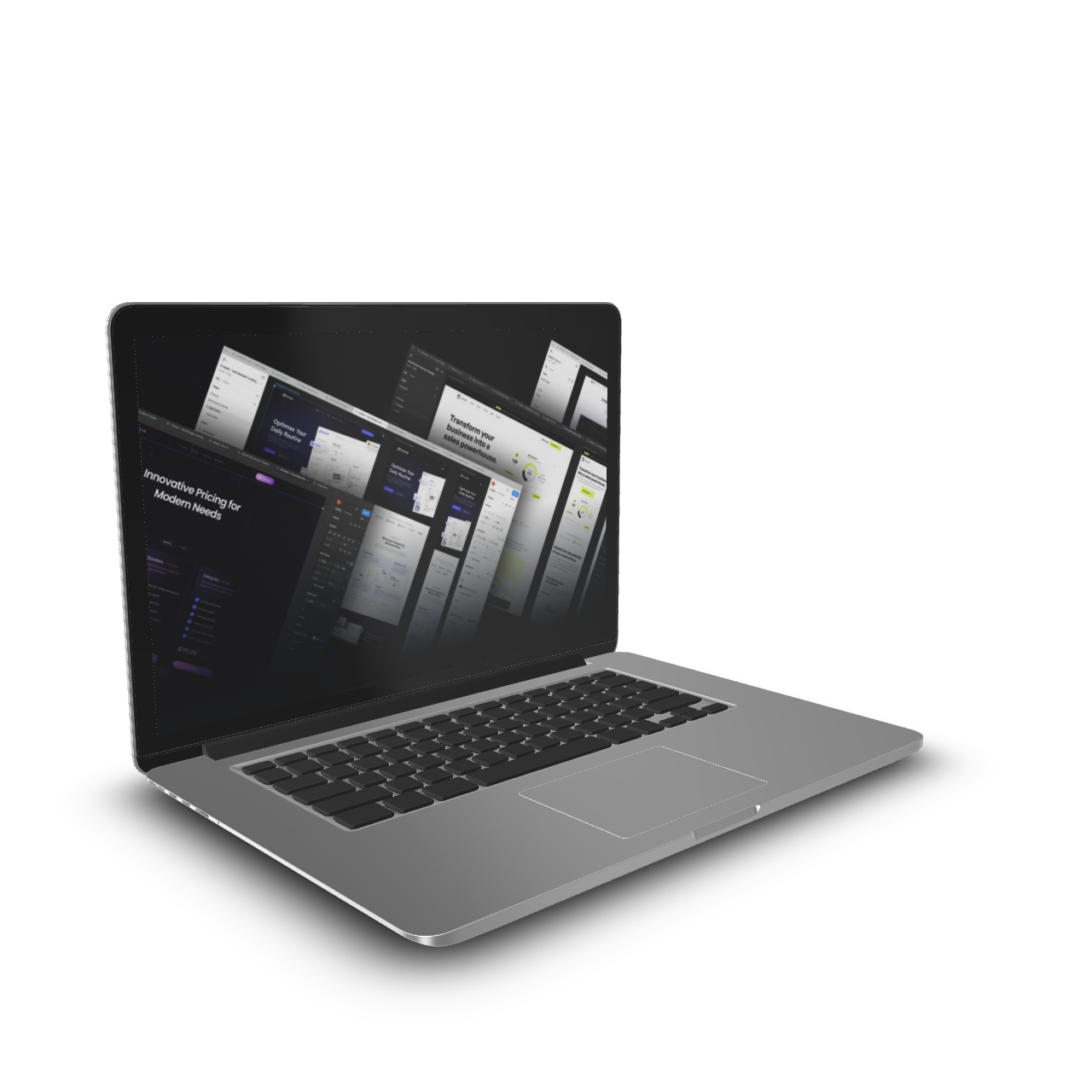
Lytbox – Figma Mastery For Web Designers
Original price was: $ 499.0.$ 28.0Current price is: $ 28.0.
| Delivery: | |
| Size: | 10.45 GB |
| Files: | View Files |
| Sale Page: | Link |
| Archive: | Link |
Product is NOT a part of the Membership
Sold separately
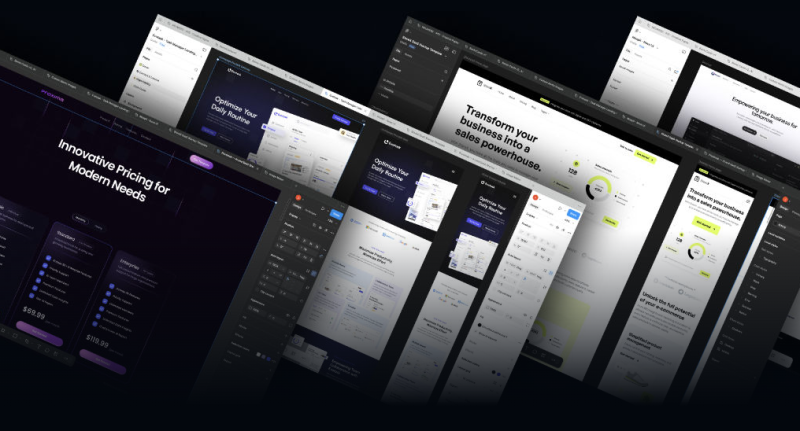
Here’s What You Get:
- 111 High Value Lessons
- 20 Design Challenges
- 3 Bonus Courses
- Variable Based Design System Template
- Project Starter Blueprint Template
- Lifetime access with all future updates
- Supportive Student Community
- Certified Pro Designer Course Certificate
- Design Review & Feedback (by Jeffrey@Lytbox)
Module 1 – Mastering Figma
We start by learning the tools in Figma’s newest 3.0 UI. Module 1 is your simplified library to learn and find exactly what’s needed for your web design process.
Module 2 – Mastering High Fidelity Mockups
This is where your design skills begin to go ninja-level. This stage of the course will be a life-changer for web designers! You’ll learn how to design in Figma all areas for your websites.
Module 3 – Mastering The Design Process
Packed with course challenges, this is where we’ll all have fun together! You’ll be challenged in each lesson to design an area of your website and use our dedicated community to get feedback, critique, and design direction. We’ll also be wrapping up the course with the design handover for clients and developers.
Bonus Courses – Mastering Figma to WordPress
This is a massive bonus! 3 Figma to WordPress courses! For each builder we’ll complete a pixel perfect streamlined project. Oh, and you get the templates (valued at $79 each)
Includes:
- Figma to Elementor Crash Course
- Figma to Bricks Crash Course
- Figma to Breakdance Crash Course
Part 1: Mastering Figma
Module 1 – Learning Figma’s UI (The Fundamentals & Essentials)
- Welcome How It Works
- Setting Up Figma
- Creating & Managing Drafts & Projects
- Figma UI3
- Figma UI Left Navigation Panel
- Figma UI Right Properties Panel
- The Toolbar
- The Context Menu & Shortcuts (The Right Click & Essential Hotkeys)
- Figma Plugins, Assets & Community
- Organizing Figma Files & Layers
- Exporting/Importing Fig Files
- Sharing & Collaboration (Commenting & Duplicating Drafts Best Practices)
- Installing Fonts & Missing Fonts
- Layout Grids for Web Design
- Utilizing Rulers
Module 2 – Core Web Design Elements & Styles
- Frames & Groups
- Setting Up Your Layouts
- Using Shapes
- Positions In The Properties Panel
- Typography & Text
- Color Tool
- Images & Exporting in Figma
- Borders & Border Radius
- Using Effects (Drop Shadows & Blurs)
- Creating Vectors & SVGs (Outline Stroke & Pen Tool)
- Masking & Booleans
- Navigating Your Frames (Art Boards)
Module 3 – Getting Started With Design Systems
- Why Use Design Systems? (Efficient Workflows & Brand Consistency)
- Starting a Design System
- Variables vs. Local Styles
- How Variables Work
- Create Color Variables
- Color Local Styles
- Mastering Number Variables
- Creating Typography Styles
- Effect Local Styles
- String & Boolean Variables
- Building Components
- Figma Blueprints (Your Project Starter)
Module 4 – Mastering Auto Layout
- Auto Layouts 101 (Getting Started)
- Auto Layout vs. Flexbox
- Nesting Auto Layouts
- Auto Layout Menus
- Auto Layout Banners
- Auto Layout Cards
- Auto Layout Sections
- Responsive Auto Layout – From Desktop to Mobile
- Course Challenge #1
Module 5 – Creating Graphics For Web Design Projects
- A Web Design Image Workflow
- Blurs, Grains, and Figma Image Tricks
- Creating Background Graphics
- Customizing & Exporting Icons/SVGs
- Creating Logos in Figma
- Graphics For More Than Websites
Part 2: Mastering High Fidelity Mockups
Module 6 – Building Web Design Skills
- How To Acquire Web Design Skills
- Color Theory (Choosing Color Pallets)
- Typography 101
- Layouts, Grid Systems, & Funnel
- Content & SEO In The Design Process
- The Design Strategy Process
- A Design To Development Mindset
- Becoming A Web Design Leader
- The Value Of A Web Designer
- Course Challenge #2
Module 7 – Mastering The Web Design Process
- Starting A Professional Web Design Project
- The Project Kick Off – Discovery With The Client
- Userflows & Site Maps
- Wireframes
- Using Relume AI In Figma
- Using Wireframe UI Kits
- Finding Design Directions
- Designing Stylescapes & Mood Boards
- Designing Brand Guidelines
- Collaboration With Designers & Clients
- Course Challenges #3–#5
Module 8 – Designing High Fidelity Mockups
- High-Fidelity Design Systems With Text Styles & Variables
- Designing Headers, Footers, Banners & Sections
- Putting Sections Together With Auto Layout
- Designing Mobile Versions
- Adding Graphics
- Create A Project Cover
- Completing A High-Fidelity Design Project
- Course Challenge #6
Part 3: Mastering Web Design
Module 9 – Course Challenges & Certification
- Design 2 Landing Pages In Light & Dark Mode
- Design 3 Alternate Banners
- Design a Mobile Menu
- Design a Login Page
- Design a Contact Page
- Design a Service Page
- Design an About Page
- Design a Blog
- Design a 404 Page
- Optional: Pop Up, Pricing, Product, Cart & Checkout Pages
- Getting Certified as a Lytbox Pro Designer
Bonus Courses: Mastering Figma to WordPress (Launching End Of 2025)
- Figma to Elementor Mini Course
- Figma to Bricks Mini Course
- Figma to Breakdance Mini Course
Related products


Product For Sale
Erika Kullberg – Mastering YouTube for the Busy Professional
Product For Sale